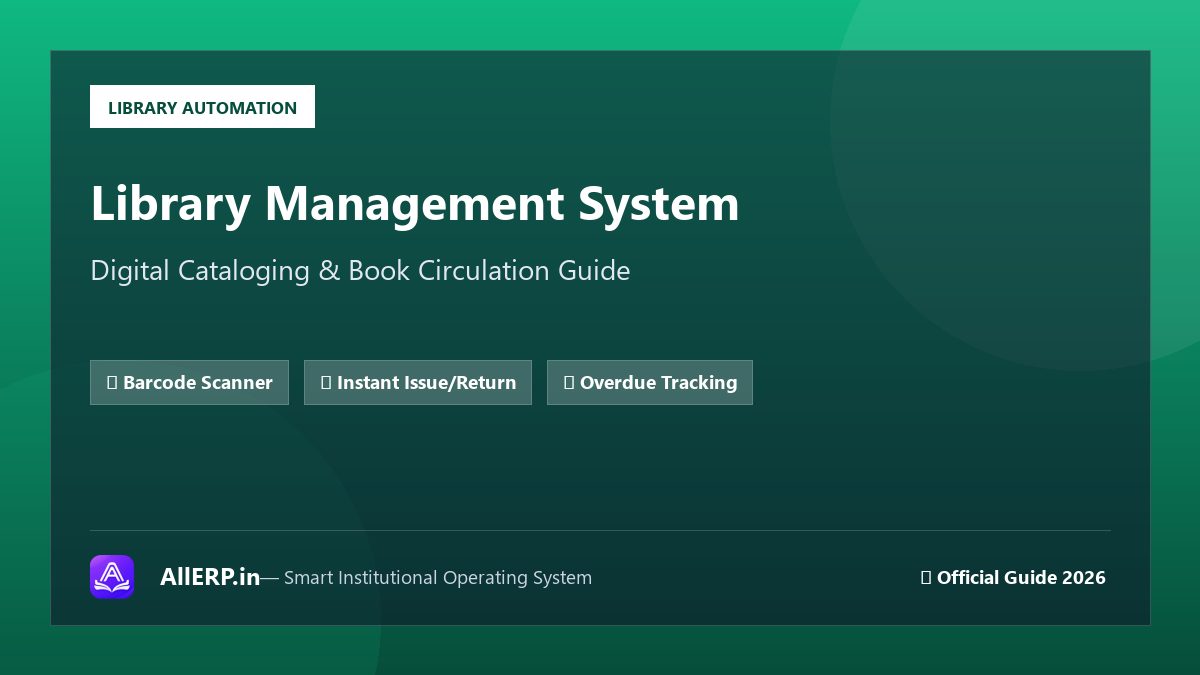
Library Management System: पुस्तकालय को डिजिटल कैसे बनाएं? — Library ERP Guide | AllERP
Library Management System (LMS) — Complete Digital Guide
एक traditional library में books को manually register करना, issue-return track करना और overdue fines calculate करना बेहद time-consuming होता है। Library Management System इन सभी कामों को automate कर देता है।
Library ERP की मुख्य Modules
- Book Cataloging: ISBN barcode scanning, author/subject/publisher-wise categorization।
- Member Management: Student, Staff और Public member profiles।
- Issue & Return: Barcode scan से instant issue, automatic due date calculation।
- Fine Management: Overdue automatic calculate, fine receipt generation।
- Book Search: Online catalog — कोई भी member available books check कर सके।
- Reports: Most-issued books, inactive members, pending dues — detailed analytics।
School Libraries के लिए Library ERP क्यों जरूरी है?
Schools में usually 5,000 से 50,000+ books होती हैं। इन्हें manually track करना practically impossible है। Library ERP से:
- ✅ Lost books तुरंत identify होती हैं
- ✅ Popular books की availability real-time में पता चलती है
- ✅ Students खुद online search कर सकते हैं
- ✅ Annual stock verification digitally होती है
AllERP Library ERP की खासियत
AllERP का Library ERP module School ERP के साथ seamlessly integrate होता है। एक ही login से Student records और Library records दोनों access होते हैं।
निष्कर्ष
Library को digital बनाना न केवल समय बचाता है बल्कि reading culture को भी promote करता है। AllERP Library ERP से अपनी library को 21st century में upgrade करें।
About Author

Kaushal kumar
Full Stack DeveloperKaushal kumar is the lead developer and software architect at AllERP, focused on building modern digital operating systems and ERP solutions for schools, coaching institutes, and growing businesses across India.
User Reviews & Comments
No comments yet. Be the first to leave a comment!